
Skip to content
CATBOQ
Privacy & Security

How CATBOQ protects your workspace and account

Security is built into the way CATBOQ separates company data, stores credentials, verifies sign-ins, and manages team access. Explore the safeguards used across the platform.

Isolated company workspaces security illustration
Tenant isolation

Isolated company workspaces

Every organisation works inside its own CATBOQ workspace. Projects, BOQs, rate analyses, master data, budgets, quotations, and team records are scoped to that company rather than mixed into a shared working area.

  • Company context is enforced by the application when tenant-scoped data is requested.
  • Users work only with the projects and construction data available to their organisation.
  • Company administrators control who is invited into their workspace.
Passwords protected with one-way hashing security illustration
Credential protection

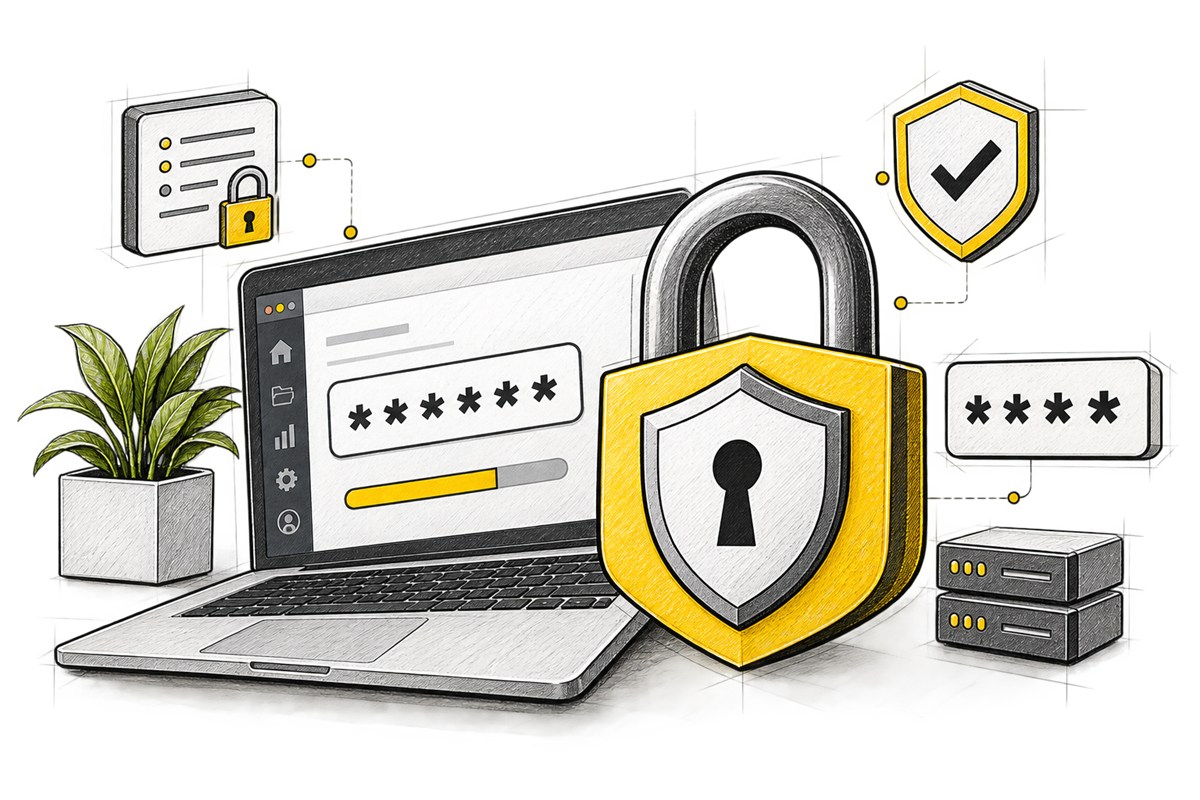
Passwords protected with one-way hashing

CATBOQ does not store readable account passwords. Passwords are processed using BCrypt one-way hashing, so the original value is not retained for administrators or support staff to view.

  • Login checks compare credentials against a protected password hash.
  • Forgotten passwords are reset through a verification flow rather than recovered from storage.
  • Users remain responsible for choosing strong, unique passwords and protecting their devices.
Optional two-factor authentication security illustration
Login verification

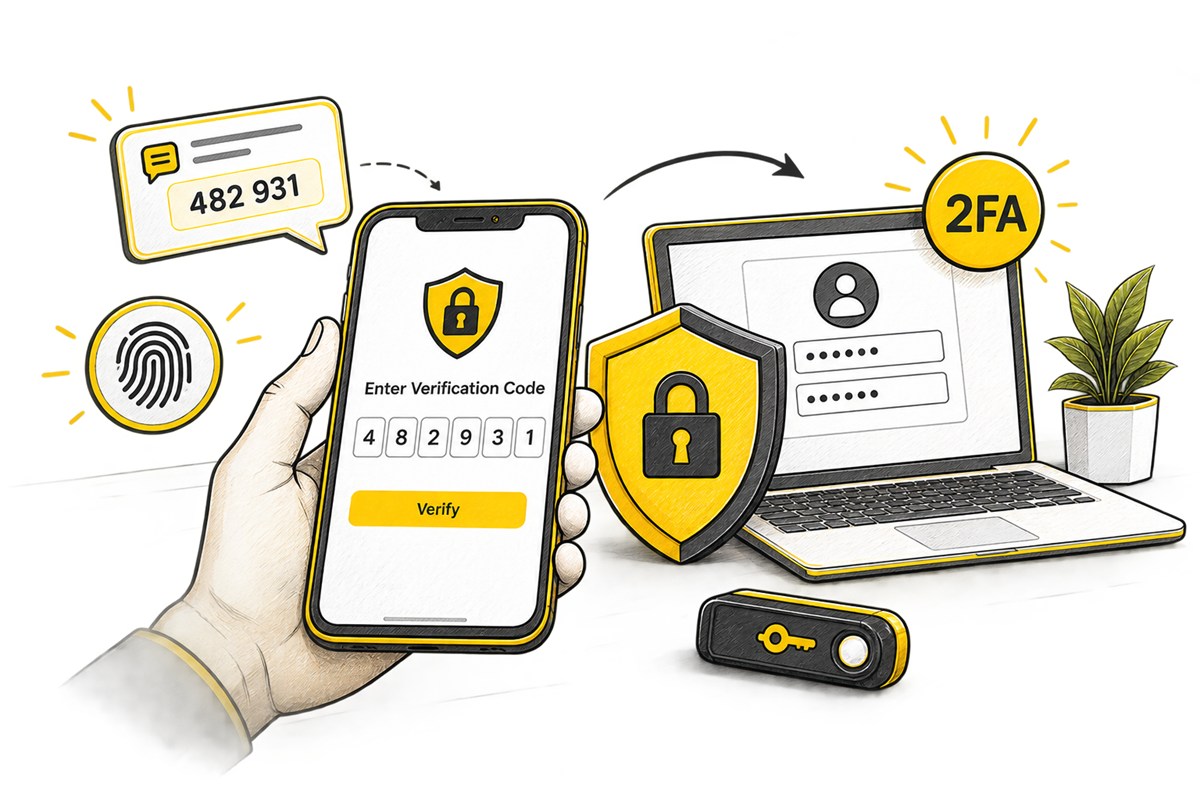
Optional two-factor authentication

Users can add an email verification step to their normal sign-in flow. When enabled, CATBOQ requires a time-limited code in addition to the account password before access is granted.

  • Verification codes are sent to the email address associated with the account.
  • Codes expire and must be successfully verified before the login completes.
  • A one-time email-code sign-in option is also available when users cannot use their password.
Role-based account access security illustration
Access management

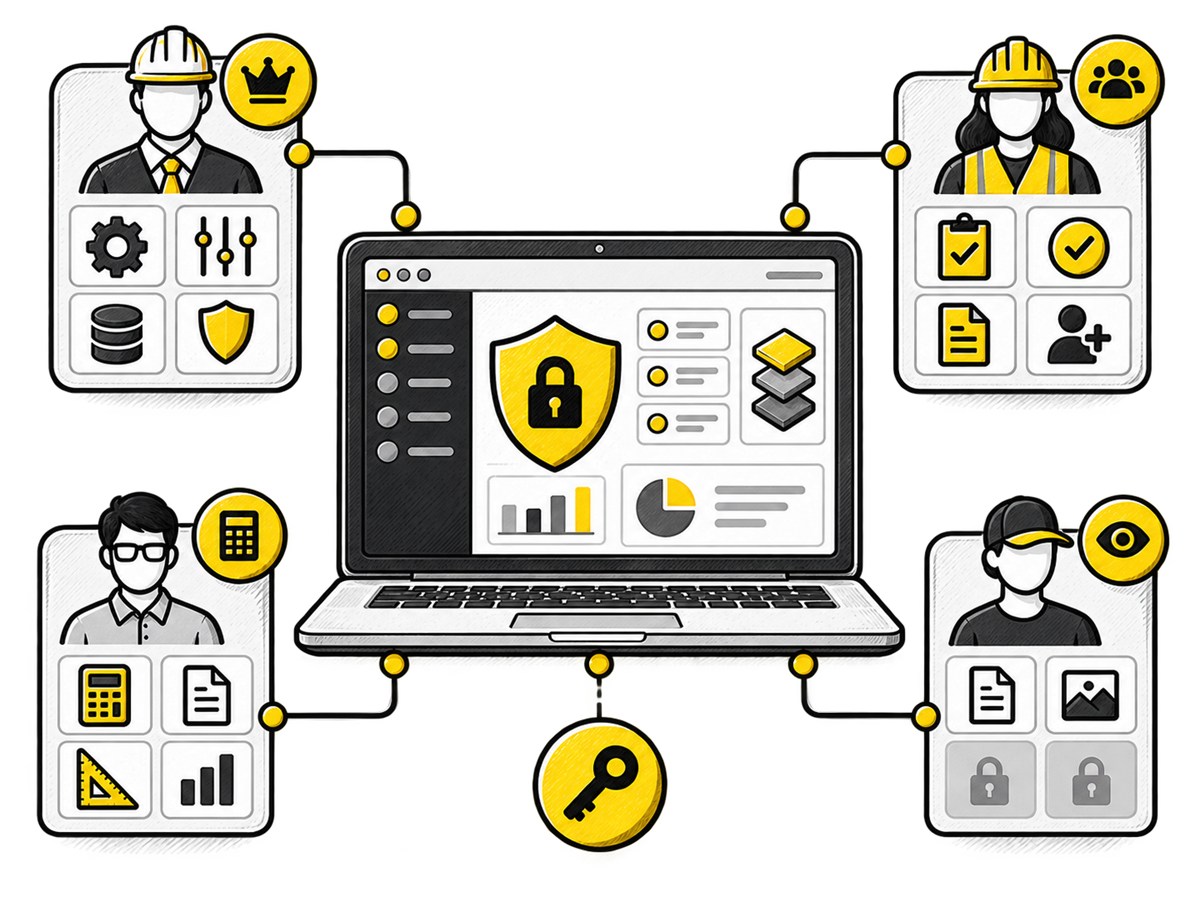
Role-based account access

Access is organised around user roles and company membership. This helps organisations separate day-to-day estimation work from administrative responsibilities such as managing users and company settings.

  • Company administrators can invite, review, and manage members of their organisation.
  • Role checks protect administrative workflows from standard user access.
  • Removing or deactivating a user prevents continued access through that account.

Have a security question?

Talk to our team about account protection, data isolation, or your organisation's security requirements.